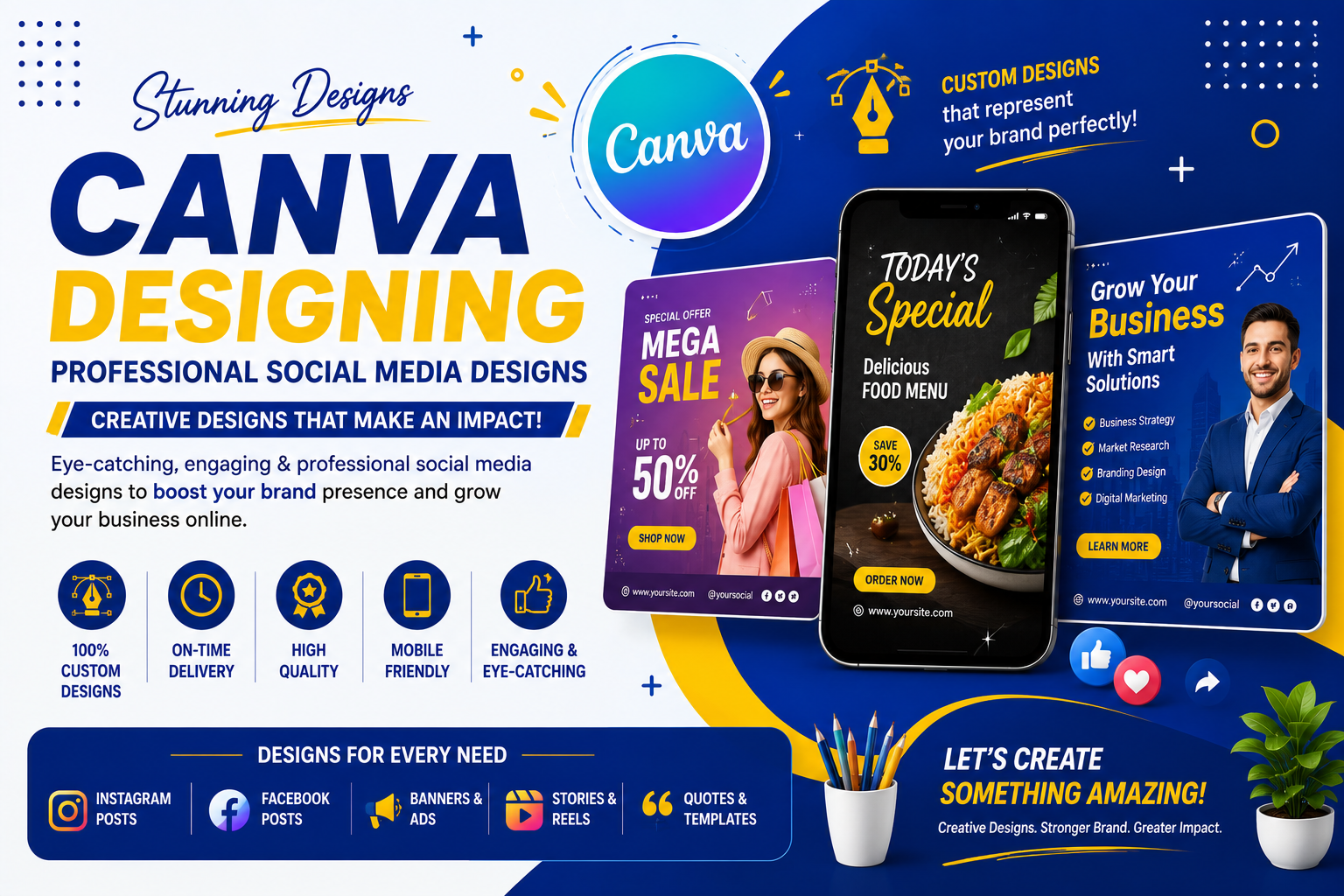
Professional Social Media Designs
The Canva Designing course at Digital Edu Skills is a practical, beginner-friendly training program designed for students, business owners, content creators, and social media managers who want to create professional-looking designs quickly and easily without needing advanced design software.
You will learn how to design social media posts, reels covers, business cards, brochures, presentations, logos, and marketing creatives using Canva's templates, tools, and features — along with tips to brand your designs consistently and work faster using Canva Pro tools.
Canva Interface & Tools
Social Media Post Design
Reels & Story Cover Design
Logo & Brand Kit Creation
Business Cards & Flyers
Presentation & Resume Design
Typography, Color & Layout Basics
Live Projects & Portfolio Design

Getting familiar with the Canva dashboard, workspace, templates, and design tools.
Understanding layout, color theory, typography, and composition for effective designs.
Creating scroll-stopping posts, stories, and reels covers for Instagram and Facebook.
Designing simple logos and setting up a brand kit with consistent colors and fonts.
Designing flyers, business cards, brochures, and banners for business promotion.
Building professional presentations, resumes, and portfolios using Canva templates.
Using premium elements, background remover, resize magic, and simple animations.
Apply your skills to real client-style design projects and build your own portfolio.
Learn from trainers who actively create designs for real businesses and clients.
Join flexible online or classroom Canva training with expert trainer guidance.
Get practical, step-by-step training designing real social media and marketing creatives.
Learn design skills valued by employers, agencies, and your own personal brand.
Find answers to common questions about our Canva Designing Course.
You will learn to design social media posts, reels covers, logos, brand kits, business cards, flyers, presentations, and marketing creatives using Canva's templates and tools.
Yes. The course is suitable for absolute beginners, students, business owners, and content creators. No prior design or software experience is required.
No. You can start with the free version of Canva. We will also show you how Canva Pro tools work so you can decide if you want to upgrade later.
Yes. Our course focuses on practical, hands-on learning through real design exercises and a final portfolio-building project.
After completing the course, you can explore opportunities as a Social Media Designer, Content Creator, Freelance Designer, or manage design work for your own business.